English · PDF 480
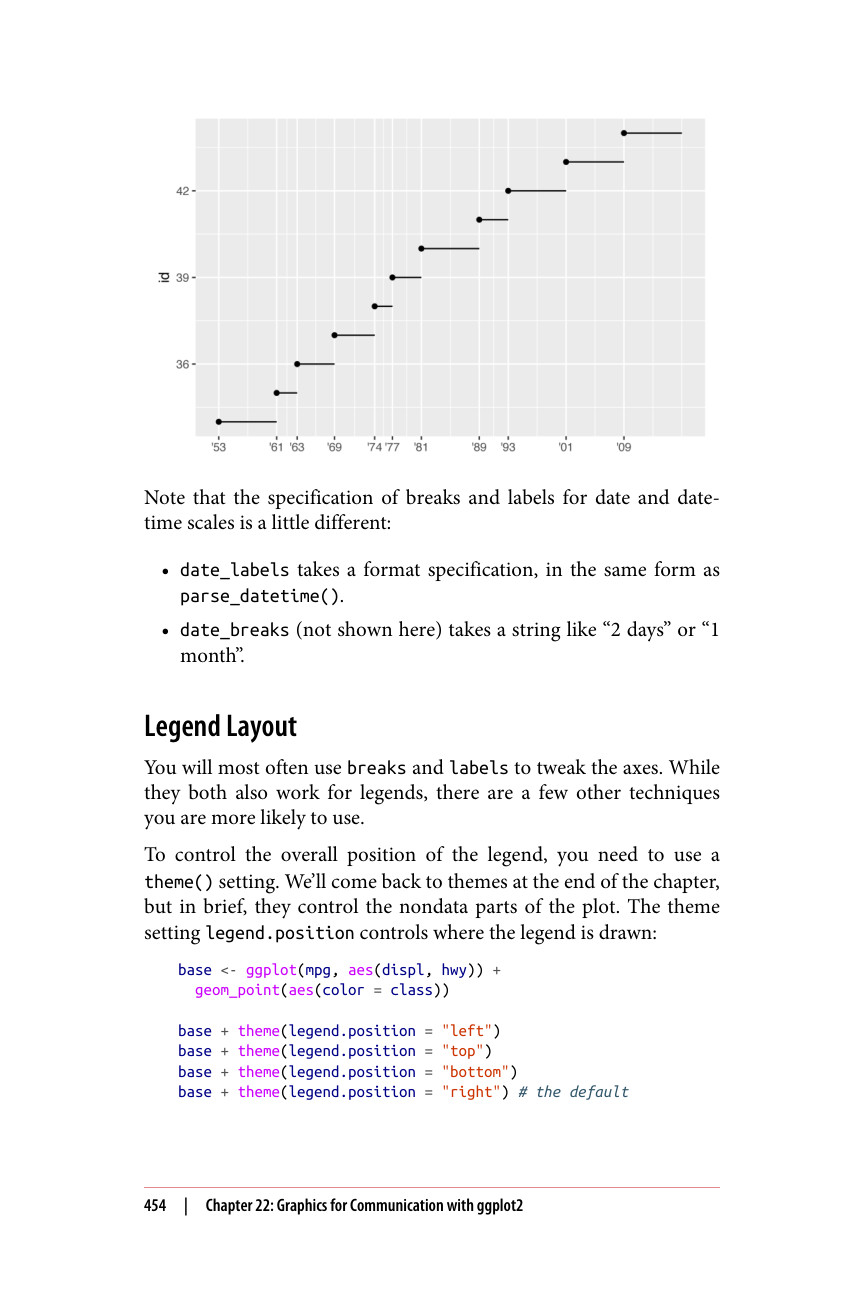
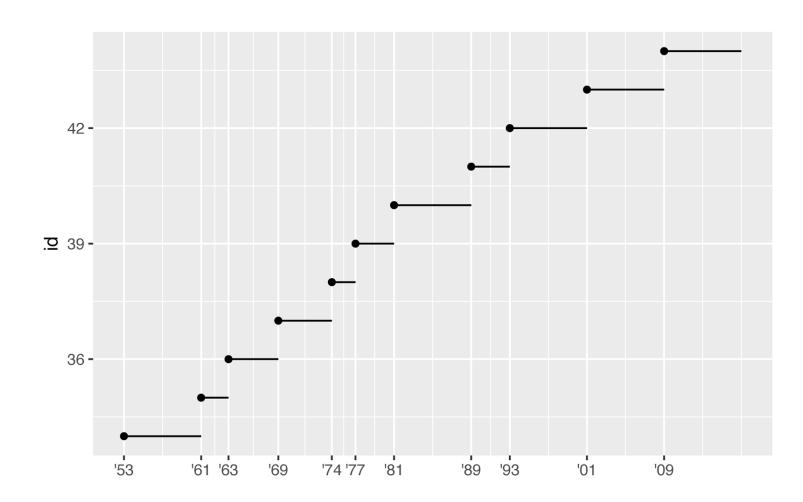
请注意,日期和日期时间标度的 breaks 和 labels 的设置方式略有不同:
你最常使用 breaks 和 labels 来微调坐标轴。虽然它们也都可以用于图例,但还有一些其他技巧你可能更常用到。
要控制图例的整体位置,你需要使用 theme() 设置。我们将在本章末尾再讨论主题,但简单来说,主题控制图形中非数据的部分。主题设置 legend.position 控制图例绘制的位置:
base <- ggplot(mpg, aes(displ, hwy)) + geom_point(aes(color = class)) base + theme(legend.position = "left") base + theme(legend.position = "top") base + theme(legend.position = "bottom") base + theme(legend.position = "right") # 默认值