English · PDF 222
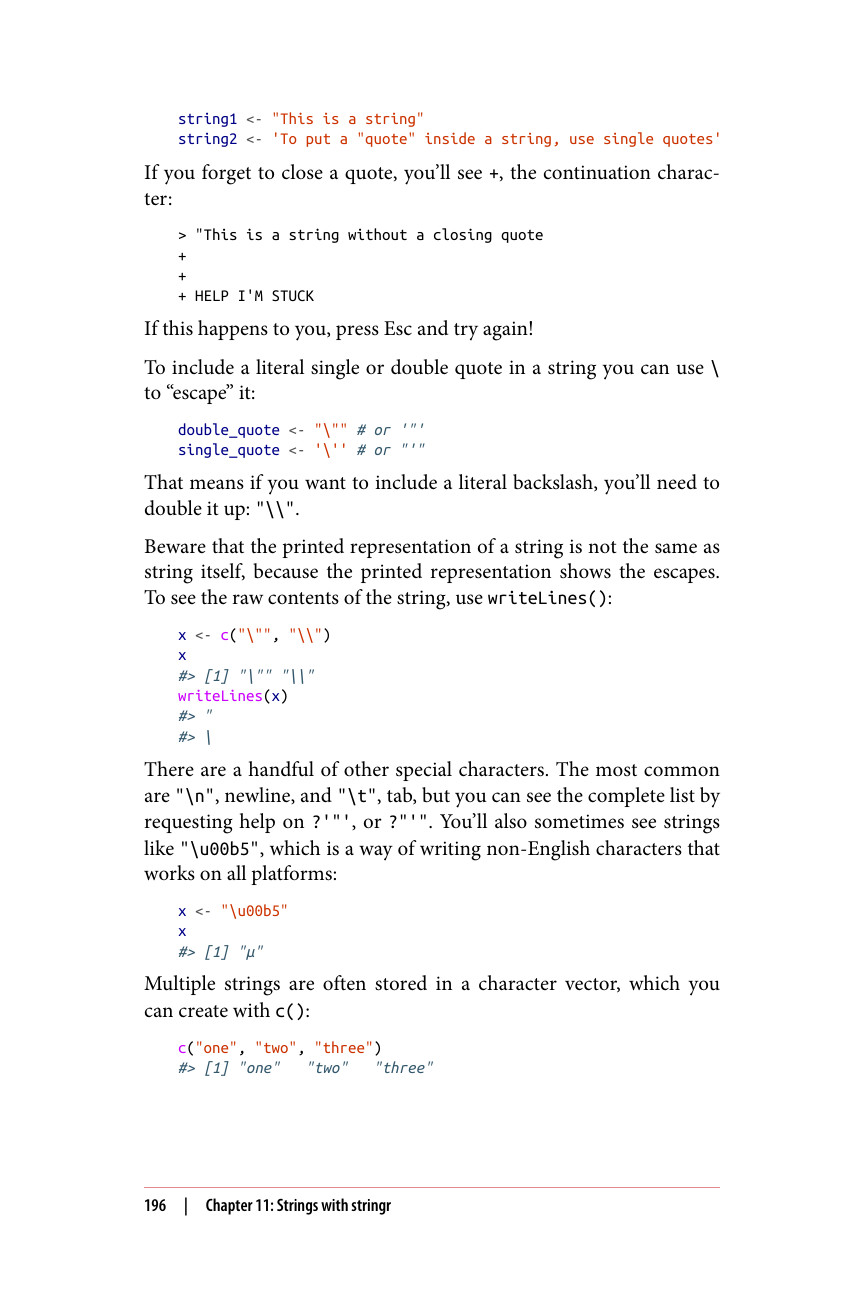
string1 <- "This is a string" string2 <- 'To put a "quote" inside a string, use single quotes'
如果你忘记闭合引号,就会看到 +,即续行字符:
"This is a string without a closing quote + + + HELP I'M STUCK
如果你遇到这种情况,请按 Esc 键然后重试!
要在字符串中包含字面意义上的单引号或双引号,你可以使用 \ 来"转义"它:
double_quote <- """ # 或 '"' single_quote <- ''' # 或 "'"
这意味着如果你想包含一个字面意义上的反斜杠,你需要将它写成两个:"\"。
注意,字符串的打印表示形式与字符串本身并不相同,因为打印表示形式会显示转义字符。要查看字符串的原始内容,请使用 writeLines():
x <- c(""", "\") x #> [1] """ "\" writeLines(x) *#> " #> *
还有一些其他特殊字符。最常见的是 "\n"(换行符)和 "\t"(制表符),但你可以通过请求 ?'"' 或 ?"'" 的帮助来查看完整列表。你有时还会看到像 "\u00b5" 这样的字符串,这是一种在所有平台上都能使用的非英文字符的书写方式:
x <- "\u00b5" x #> [1] "µ"
多个字符串通常存储在一个字符向量中,你可以使用 c() 来创建它:
c("one", "two", "three") #> [1] "one" "two" "three"